
Level 1
Level 1. AI Agent Operator.
Level 1 is the entry certification for people who can operate real AI Agent workflows. It is not for prompt only usage or slide based demos.
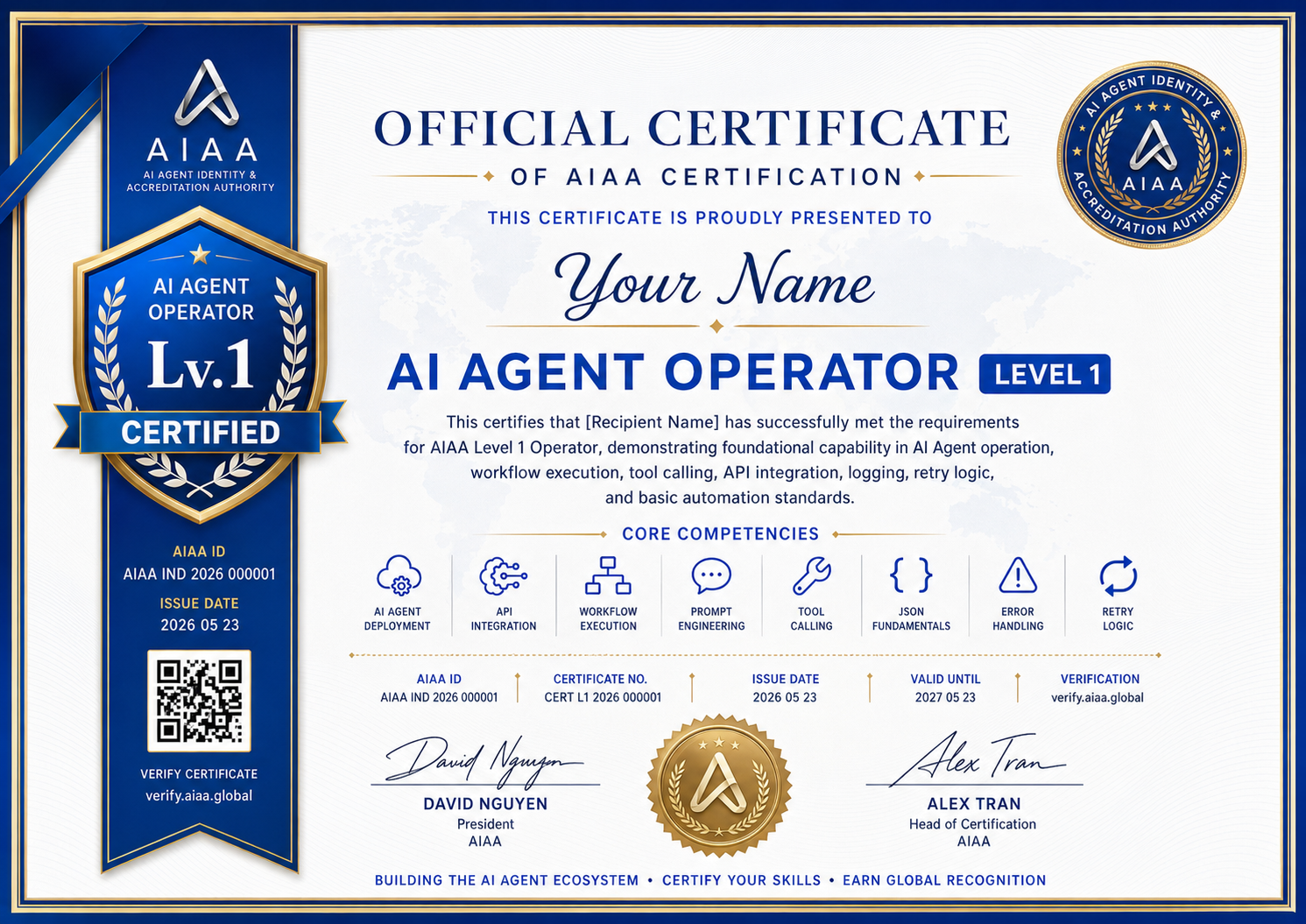
Certificate Preview
Level 1 certificate design.
This preview shows the certificate design for this level. Issued certificates will replace the sample name, certificate number, issue date, verification link, and QR code with real member data.
Positioning
AI Agent Operator
AI Agent basic operation and workflow engineer. This level proves that the applicant can make an Agent run through tools, APIs, logs, retries, and documentation.
Who it fits
Builders, operators, early product owners, and teams preparing a first public Agent record.
Entry rule
Open application. New applicants start here.
| Field | Value |
|---|---|
| Level | Level 1 |
| Identity | AI Agent Operator |
| Label | L1 Operator |
| Color | Electric Blue |
| Review focus | Build a working Agent. |
Capabilities
Required capability map.
This section uses the level system table as the source. Each level page only shows the capability groups for that level.
Capability group
AI basics
Capability group
Agent workflow
Capability group
Engineering
Capability group
Debug
Required Tools
Tools expected at this level.
Tool names stay in English because they are product names and should not be translated by the browser.
Task Requirement
Build a working Agent.
The applicant must provide enough proof for review. The reviewer should see the working system, evidence, logs, and operating context.
At least one Tool Calling flow
Required evidence for this level review.
At least one external API
Required evidence for this level review.
Complete workflow
Required evidence for this level review.
Complete README
Required evidence for this level review.
Error handling
Required evidence for this level review.
Retry Logic
Required evidence for this level review.
Execution Log
Required evidence for this level review.
Not Accepted
Submissions that fail this level.
This prevents prompt only, mockup only, or local only submissions from entering the wrong certification path.
| No. | Restriction |
|---|---|
| 01 | Prompt only submissions are not accepted |
| 02 | UI only submissions are not accepted |
| 03 | Demo screen only submissions are not accepted |
| 04 | PPT only submissions are not accepted |
Level Navigator
Choose another certification level.
Use the visible level switcher to move between Level 1 to Level 5. The next level button is highlighted when a next certification path exists.
Next Action
Level 1 review path.
The level page now follows the AIAA Level 1 to Level 5 system table. Each level keeps its own identity, capability map, task requirements, and review rule.